Networks
Bufferbloat: the reason your connection stalls while the speed test passes
Buffers were added to prevent packet loss and ended up hiding congestion until it turned into seconds of delay.

Everything below about bufferbloat comes from what actually happens rather than from what is supposed to.
What holds up in practice
- Transport protocols use packet loss as their signal to slow down.
- Large buffers delay that signal by queuing instead of dropping.
- The symptom is high latency under load with normal throughput.
Loss is a signal, not just a failure
Transport protocols increase their sending rate until something is lost, then back off, which is how the internet shares capacity without central coordination. A dropped packet is therefore information: it tells the sender the path is full. Memory became cheap, so equipment makers added generous buffers to avoid dropping anything.
The unintended effect was to withhold the signal until the buffer was full, by which time it represented a large delay.
What the delay actually is
A buffer holding a megabyte of data on a link that drains at ten megabits per second represents most of a second of waiting. Every packet behind that queue, including small interactive ones, waits the same amount of time. That is why a large upload can push a voice call, a game or even a keystroke over a remote session into visible lag.
Throughput remains perfectly good throughout, which is why speed tests report no problem.
Where the buffers are
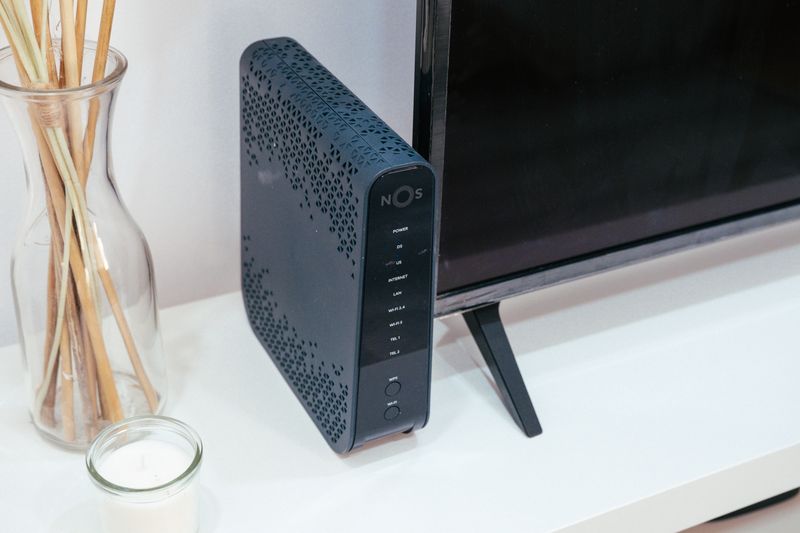
The worst offender is usually the device at the bottleneck, which for most homes is the modem or router at the edge of the access link. Buffers inside the provider network and in cellular base stations also contribute, and users cannot configure those. Wi-Fi introduces its own queueing, and older access points with large buffers can create the same effect entirely within the house.
Identifying the bottleneck matters because fixing a buffer that is not the bottleneck changes nothing.
Modern queue management fixes it
Algorithms that monitor how long packets have been waiting, rather than how many are queued, drop or mark packets before the delay becomes large. Fair queueing additionally isolates flows so a bulk transfer cannot starve an interactive one. These are available in many consumer routers and in most open firmware, often labelled as smart queueing or as a bufferbloat setting.
They work by deliberately sacrificing a small amount of peak throughput for a large reduction in delay.
Shaping below the line rate is the trick
To control a queue you must own it, so the router must become the bottleneck by shaping traffic slightly below the actual link speed. Setting the shaping rate at roughly ninety to ninety-five per cent of measured throughput moves the queue into equipment you control. Setting it too high leaves the queue in the provider equipment and the fix does nothing.
At the protocol level, on variable links such as cable or cellular this is imperfect, because the real rate changes with conditions.
Measuring it honestly
Run a latency test continuously while starting a large download and a large upload, and watch how far latency rises. A rise of a few milliseconds is excellent, tens of milliseconds is acceptable, and hundreds indicates a serious problem.
Mechanically, test upload and download separately, because many connections are bloated in one direction only. The improvement after enabling queue management is usually obvious to household members who were not told it happened.
The takeaway
Measure latency while the line is busy. That single number describes how the connection feels better than any speed figure.
Once you know what it is trading away, the design stops looking arbitrary.
Questions readers ask
Will a faster connection fix bufferbloat?
It reduces it, because the same buffer drains faster, but it does not remove it. A gigabit line with an oversized buffer still adds noticeable delay under sustained load.
Is this the same as packet loss?
It is the opposite. Bufferbloat is what happens when equipment refuses to drop packets and queues them instead, converting a loss problem into a delay problem.