Devices
How a touchscreen knows it is a finger and not a raindrop
Capacitive sensing measures a change in an electric field, which explains gloves, water, screen protectors and phantom taps in one go.
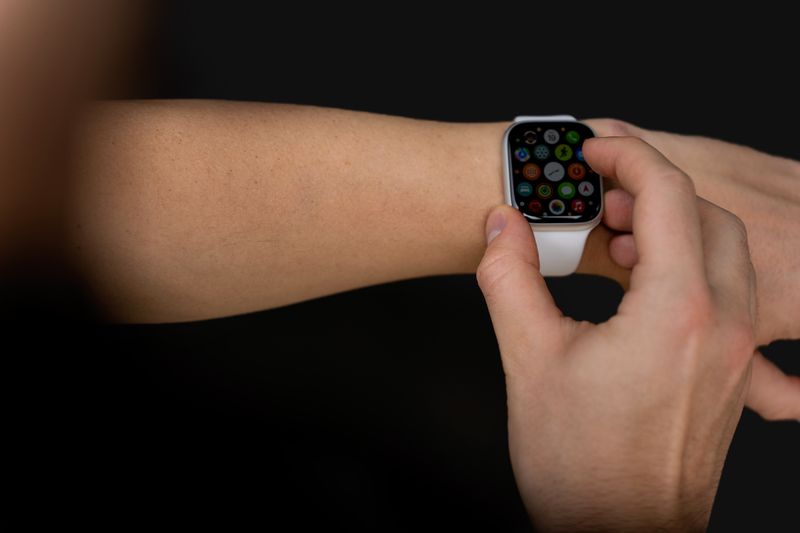
The theory of touchscreen sensing is well covered elsewhere. This is about the version you meet in practice.
What holds up in practice
- The screen senses a change in capacitance, not pressure.
- A grounded conductive object is what registers, which is why gloves fail.
- Water and poor grounding produce the two classic failure modes.
It measures a field, not a push
A capacitive screen carries a grid of transparent conductors driven with a small alternating signal, forming a measurable capacitance at every intersection. A finger is conductive and connected to a large body at earth potential, so bringing it close diverts part of that field and changes the measurement. The controller scans the grid many times a second and reports where the change occurred, which is why the screen responds before you press hard.
Pressure is irrelevant to the measurement, which is why tapping harder does nothing at all.
Why gloves usually fail
A glove separates the conductive finger from the surface and inserts an insulator, which weakens the change the controller is looking for. Gloves designed for touchscreens contain conductive fibres that carry the effect through, which is why they work while thick wool does not.
Some devices offer a glove mode that raises sensitivity, at the cost of more false triggering from anything near the screen. A stylus without a conductive path to your hand behaves like a glove for exactly the same reason.
Water is the classic failure
Water is conductive enough to change the field but spreads across the surface rather than concentrating at a point. The controller sees a large diffuse change and either registers phantom touches or rejects the whole region. Rejection algorithms look at the size and shape of the contact patch to distinguish a fingertip from a drop or a palm.
In the datasheet, this is also how a screen ignores your palm while you write with a stylus, using the same shape analysis.
Grounding matters more than people expect
The measurement depends on a return path through your body to earth, so a device on a wooden table charging from a two-pin supply can behave erratically. Holding the device while using it improves the path and often fixes intermittent unresponsiveness immediately. Poor quality chargers that inject electrical noise onto the ground reference are a documented cause of phantom touches.
Swapping the charger is a genuinely worthwhile diagnostic step when a screen misbehaves only while charging.
Screen protectors add distance
Every millimetre of material between finger and sensor grid weakens the signal, so a thick protector reduces sensitivity. Air gaps from imperfect application are worse than the material itself, because air has a much lower dielectric constant than glass.
Devices with under-display fingerprint sensors are additionally sensitive to protector thickness and optical properties. Most modern controllers can be recalibrated for a protector, which is what the sensitivity setting on some phones does.
This is the general case; a specific device may behave differently by design.
Other sensing approaches still exist
Resistive screens detect physical pressure between two conductive layers and work with any object, which is why they persist in industrial and medical settings. Infrared and optical systems detect interruption of a light grid across the surface and scale to very large displays. Each has different failure modes: resistive wears out, optical is defeated by dust and sunlight, capacitive is defeated by water.
The choice is a trade-off between clarity, durability, cost and what the user will be wearing.
The takeaway
It is looking for a grounded conductor of about fingertip size. Everything that fails, fails against that description.
The constraint is almost always physical, and marketing rarely mentions which one.
Questions readers ask
Why does my screen go mad in the rain?
Water spreads the field change across a wide area, so the controller either sees phantom contacts or suppresses the region. Drying the surface restores normal behaviour immediately.
Do screen protectors reduce responsiveness?
Thick ones can, and trapped air pockets do more damage than the material. A well-applied thin protector is usually imperceptible on a modern controller.