Networks
What actually limits your broadband, and it is rarely the headline speed
The path from your device to the internet has half a dozen possible bottlenecks, and the advertised number describes only one of them.

The options around broadband bottlenecks are set out side by side below, with the conditions that genuinely favour one over the other.
The difference in one place
- Wi-Fi is the bottleneck more often than the access line is.
- Shared access technologies slow at busy times by design.
- Distance from the exchange dominates on copper-based connections.
The chain has many links
Data travels from your device over Wi-Fi or cable, through a router, over the access line, through the provider network, across the internet, to a server. The slowest link governs, and it is frequently the first one rather than the one you pay for. Diagnosing broadband means identifying which link is limiting before changing anything.
A wired test to the router separates the home network from everything beyond it in about thirty seconds.
The last mile technology sets the shape
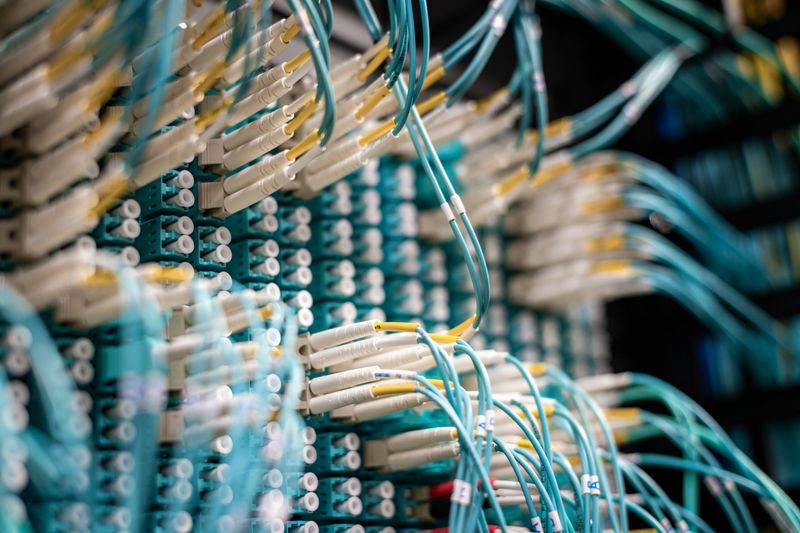
Copper telephone lines lose signal with distance and with poor joints, so achievable speed falls the further you are from the equipment. Cable networks share capacity among the homes on a segment, so speed falls when neighbours are active.
Fibre to the premises is largely insensitive to distance and to neighbours, which is why it is more consistent rather than merely faster. Fixed wireless and satellite add weather, line of sight and shared cell capacity as further variables.
Contention is a business model, not a fault
Providers buy capacity upstream on the assumption that customers do not all transmit at once, which is true and is why service is affordable. The contention ratio determines how badly this shows during peak hours, and it is rarely published for consumer products.
Business packages cost more largely because they promise a guaranteed rate rather than a shared one. Evening slowdowns that clear by midnight are the classic signature.
Your router is often the limit
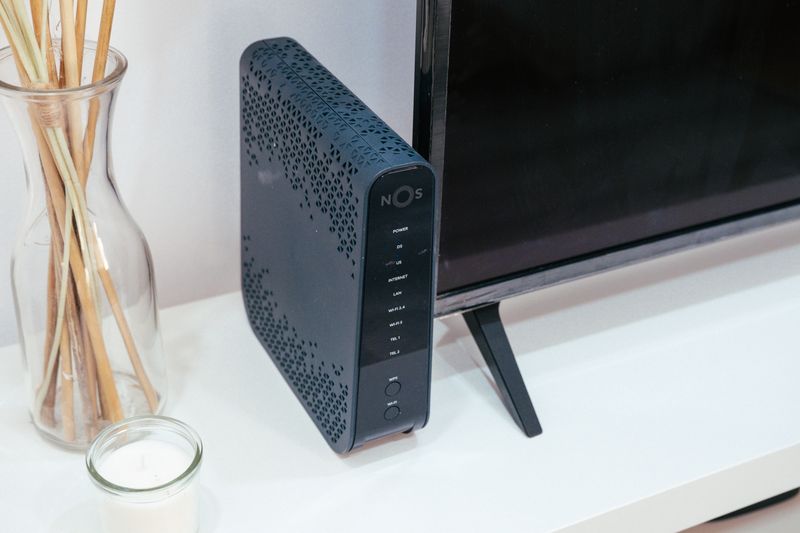
A router several generations old may lack the processing capacity to route at modern line speeds, particularly with any filtering enabled. Provider-supplied equipment is chosen for cost and remote management rather than performance. Wi-Fi capacity within the house is limited by airtime, interference and distance, none of which improve with a faster access line.
A device connected by cable achieving full speed while a wireless device does not is the clearest possible diagnosis.
The far end matters too
A single connection to a distant server is limited by round-trip time and the sender configuration, not by your line capacity. This is why one download from a distant site is slow while several simultaneous downloads saturate the line. Servers also rate-limit deliberately, and content networks assign you to a nearby cache whose capacity you share with others.
Testing against several destinations distinguishes a line problem from a destination problem.
Figures here are typical rather than guaranteed — check the spec sheet for your part.
A sensible diagnostic order
Test wired to the router first, then wireless from the same spot, then wireless where the problem occurs. Test at a quiet hour and at a busy one to separate a capacity problem from a contention problem.
Mechanically, check loaded latency alongside throughput, because a connection can be fast and unusable at the same time. Only after all of that does replacing the access package become a rational response.
Side by side
| Consideration | What it means in practice |
|---|---|
| The chain has many links | Wi-Fi is the bottleneck more often than the access line is. |
| The last mile technology sets the shape | Shared access technologies slow at busy times by design. |
| Contention is a business model, not a fault | Distance from the exchange dominates on copper-based connections. |
The takeaway
Find the slowest link before paying for a faster one. It is usually inside the house.
The constraint is almost always physical, and marketing rarely mentions which one.
Questions readers ask
My speed test says I get what I pay for, so why is browsing slow?
Speed tests measure throughput to a nearby server. Browsing is dominated by name resolution, connection setup and latency, none of which the headline figure describes.
Should I upgrade to a faster package?
Only if a wired test at a quiet hour actually reaches your current limit and you are hitting it. Otherwise you are buying capacity that a different link in the chain will not deliver.